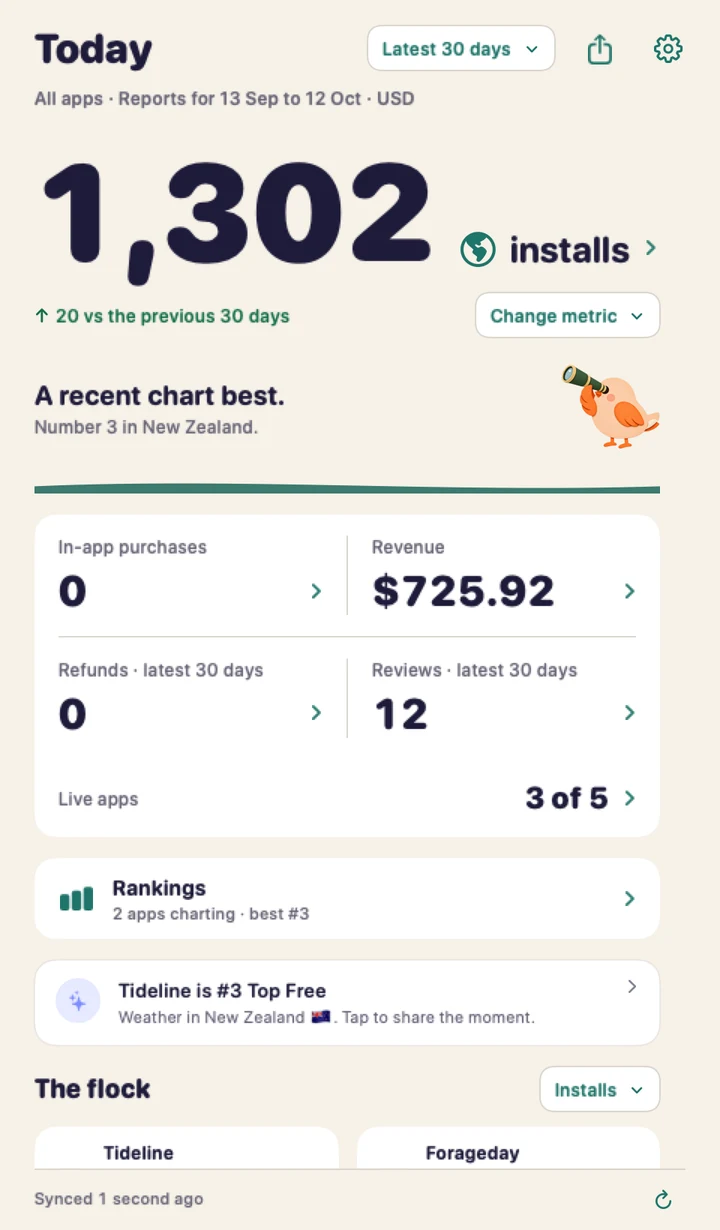
Mac menu bar
Click the bird and today’s numbers drop down. A small dot appears when a new review lands.
 Perch2.0
App Store Connect, without the tabs
Perch puts your App Store Connect numbers in the Mac menu bar, on your iPhone and in Home Screen widgets. Installs, revenue, reviews, rankings and review status, without signing in to a website.

Click the bird and today’s numbers drop down. A small dot appears when a new review lands.
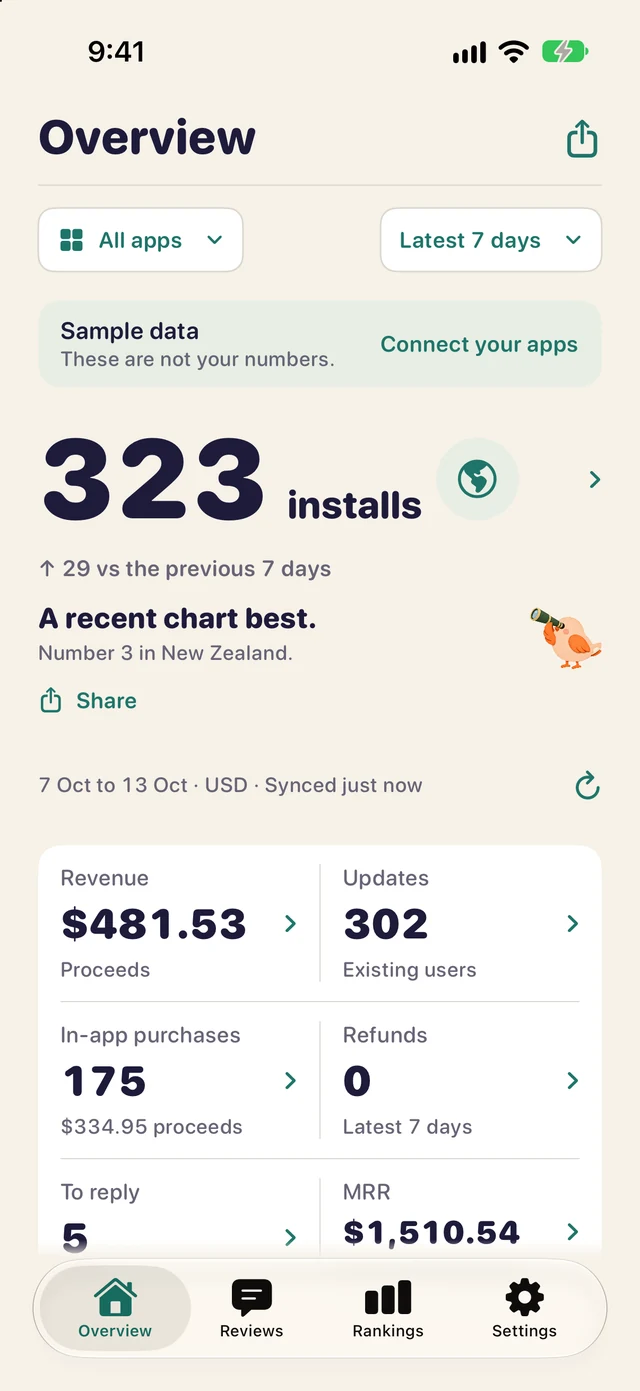
The full picture for every app, with reviews to reply to and rankings by country.
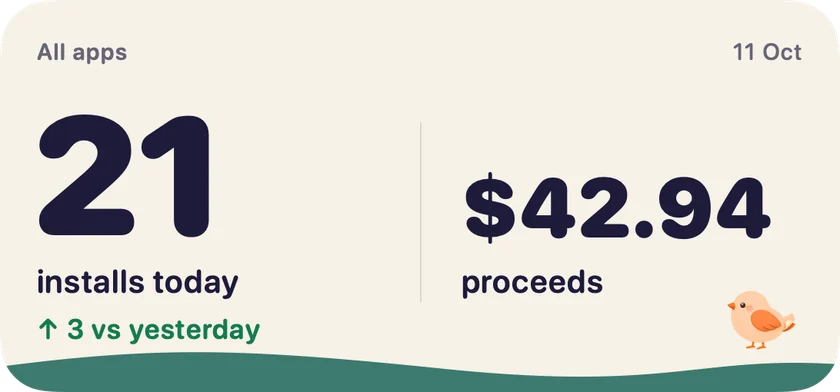

Installs, proceeds and your best chart position on the Home Screen, before you open anything.
What’s inside
| Perch | App Store Connect website | App Store Connect app | |
|---|---|---|---|
| Lives in the Mac menu bar | Yes | No, a browser tab | No |
| iPhone | Yes | In Safari | Yes |
| Home Screen widgets | Yes | No | Not listed |
| Installs, proceeds and refunds | Yes | Yes | Sales and trends |
| Reviews from every country, with replies | Yes | Yes | Yes |
| Top chart positions in every country | Yes | No | No |
| App Review status and alerts | Yes | Yes | Yes |
| Submissions and TestFlight | No | Yes | Yes |
Perch reads your data through Apple’s API, so it works alongside Apple’s tools. Keep using them to submit builds and manage TestFlight. Checked 13 November 2026. See how Perch compares with Appfigures.
Apple’s App Store Connect app is made for iPhone and iPad. On a Mac you use the App Store Connect website, or an app such as Perch that reads the same data through Apple’s API and keeps it in your menu bar.
No. Perch uses an App Store Connect API key that you create and can revoke at any time. The API key guide shows where to find each part.
No. Perch shows App Review status for iPhone and Mac versions and notifies you when it changes. Use App Store Connect or Apple’s app to submit, release and manage testers.
It stays with you. There’s no Perch account or server. Your key stays in your Keychain, your numbers sync through your own iCloud and the App Store privacy label reads Data Not Collected.
Perch is free for one of your apps in full plus one watched app. Perch Pro unlocks every app on Mac and iPhone for a single US$4.99 purchase.
Free tools: the rank checker and today’s top charts by country.