
The short version
Your App Store summary rating is separate for each country, so ratings from one storefront never show on another. A summary rating can also be reset when a new version ships, which clears the stars but keeps written reviews. Most people rate without writing anything, and the in-app rating prompt only appears when the system allows it, up to three times a year.
Take these with you
- Each country has its own summary rating. Check the storefront the rating was left in.
- Resetting the summary rating with a new version clears the stars, not the written reviews.
- The in-app rating prompt can appear up to three times a year, and never in TestFlight builds.
You’re looking at a different country
Apple keeps a separate summary rating for each country or region. A rating left on the UK App Store counts toward the UK rating only, so your US page can say there aren’t enough ratings while the UK page shows plenty.
Ask where the person’s Apple Account is registered, then open your product page in that storefront. Why App Store ratings differ by country goes deeper.
The summary rating was reset
When you release a new version you can choose to reset the summary rating. The stars start again from zero in every country, but written reviews stay on the product page.
If ratings vanished the day an update went live, check the version’s release settings in App Store Connect. Someone on the team may have ticked the reset. Apple suggests using it sparingly, because few ratings can put new customers off.
Ratings and reviews aren’t the same
Most people tap a star rating and stop there. Only some write a review. So a growing rating with no new written reviews is normal, and the review count will always be smaller than the rating count.
Some storefronts also show a review summary written by Apple’s language models. It updates on its own schedule, so it can lag behind the newest reviews.
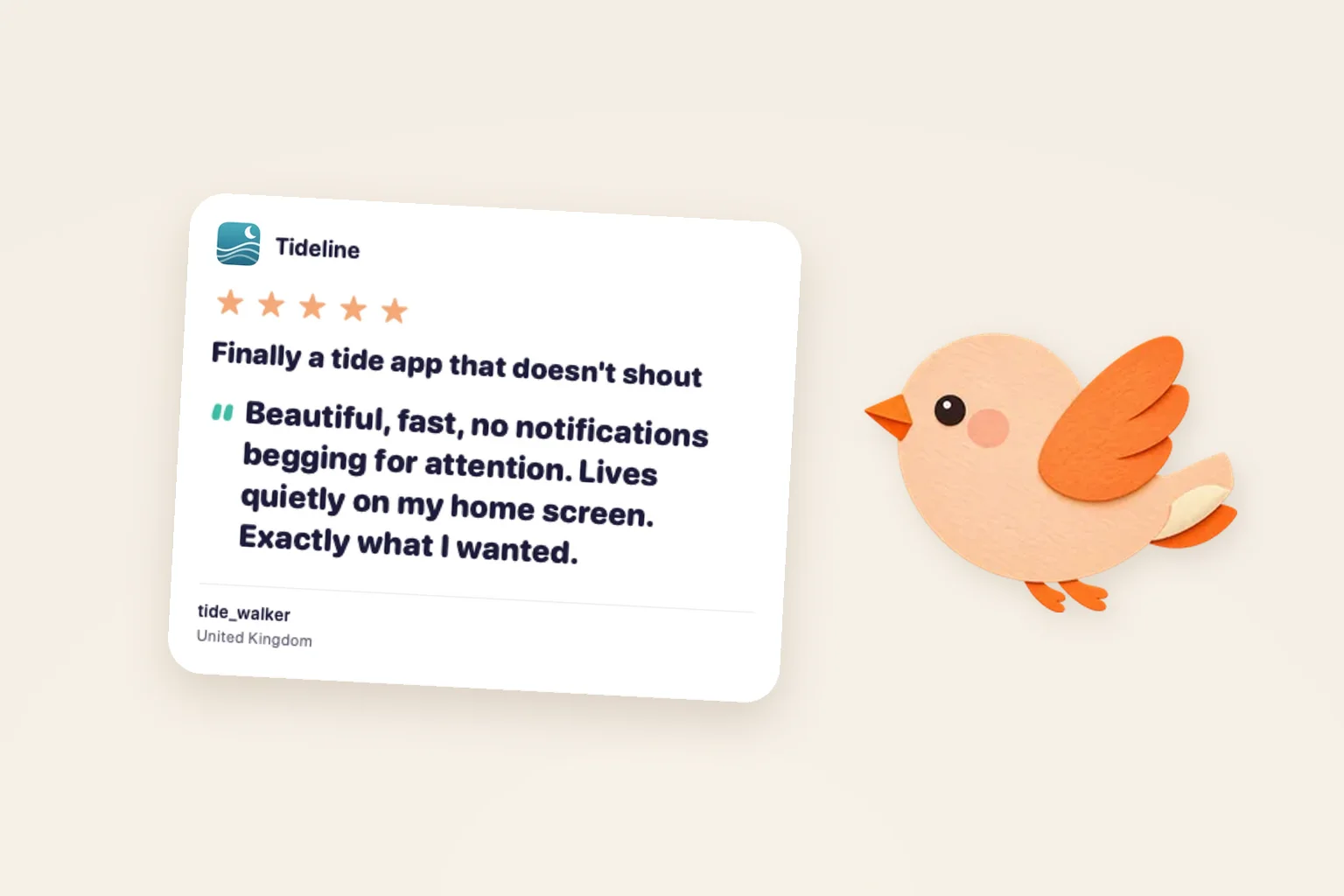
Ratings live country by country. Five stars in the UK won’t show on the US App Store.
A thought worth passing onDownload quote card ↓
There aren’t enough ratings yet
A new app, or an app in a small market, often shows a message saying there aren’t enough ratings instead of a score. The summary rating appears once a country has enough ratings to show. There’s nothing to fix. More ratings will bring it in.
The rating prompt never appears
The standard in-app prompt is controlled by the system. Your app can ask, but iOS decides whether it actually appears, and it shows at most three times in 365 days for each person.
- In a development build the prompt always shows, so you can test the layout.
- In a TestFlight build it never shows.
- TestFlight feedback goes to App Store Connect as tester feedback. It never becomes an App Store rating.
Ask when someone has just finished something that felt good, not at launch.
A written review is missing
Reviews can take a while to appear after someone submits them, and Apple doesn’t publish a set time. If a review that was there is now gone, the reviewer may have deleted or edited it, or it may have broken Apple’s rules for reviews.
You can see every review for your app in App Store Connect under Ratings and Reviews, filtered by country. If you spot a review with offensive content or spam, use Report a Concern rather than replying.
Keep an eye on every country
Perch gathers your ratings and written reviews from every country into one inbox on your Mac and iPhone, shows the country each one came from and lets you reply. It reads the public App Store, so a brand new rating can take a little while to show there too.
Common questions
Why can my friend see their review but I can’t?
They’re probably looking at their own country’s App Store. Switch to that storefront or check Ratings and Reviews in App Store Connect.
Does resetting my rating delete reviews?
No. The star summary starts again, but written reviews keep showing on your product page.
Can I ask for ratings more often?
The system prompt appears at most three times in 365 days for each person. You can link to your product page’s review section from your own settings screen at any time.
Do TestFlight ratings count?
No. TestFlight feedback is separate and never appears on the App Store.
Sources & further reading
Sources checked 13 November 2026. Apple’s reporting and interface can change.